

I recently passed the Microsoft Certified: AI Business Professional exam first time.
And yes, it's a proper, fully proctored exam - not a training course where you simply click through the modules and collect a badge at the end.
I discovered just how closely monitored it was when, a few questions in, the online proctor told me to stop talking. \n I have a habit of quietly repeating a question to myself to make sure I've understood it correctly. Apparently, that isn't allowed.
It did made me laugh, though during an exam with the clock ticking, it made me focus in the moment and on the work to be done.
So, if you're considering taking the Microsoft AI for Business Professional Certification, here's my honest account of the experience, what helped me pass and what I actually learnt.
The short answer
Is the Microsoft AI for Business Professional Certification worth it? In my experience, yes - particularly for business professionals who use Microsoft 365 and want practical, credible evidence of their ability to use generative AI and Microsoft Copilot at work.
I passed the AB-730 exam first time after completing Microsoft’s preparation material and practice assessments. The online exam was proctored through Pearson OnVUE, allowed 45 minutes. It focused on applying AI to realistic business tasks rather than coding.
AB-730 exam: facts at a glance
Certification
Microsoft Certified: AI Business Professional
Exam
AB-730: AI Business Professional
Level
Beginner
Main product
Microsoft 365 Copilot
Coding required?
No
Exam format
Proctored assessment with scenario-based questions, including multiple-choice questions
Published exam time
45 minutes
How I took it
Online through Pearson OnVUE
My setup and check-in time
Approximately 30 minutes
My result
Passed first time
Best preparation tip
Complete the official learning path and practice assessments
What is the Microsoft AI for Business Professional Certification?
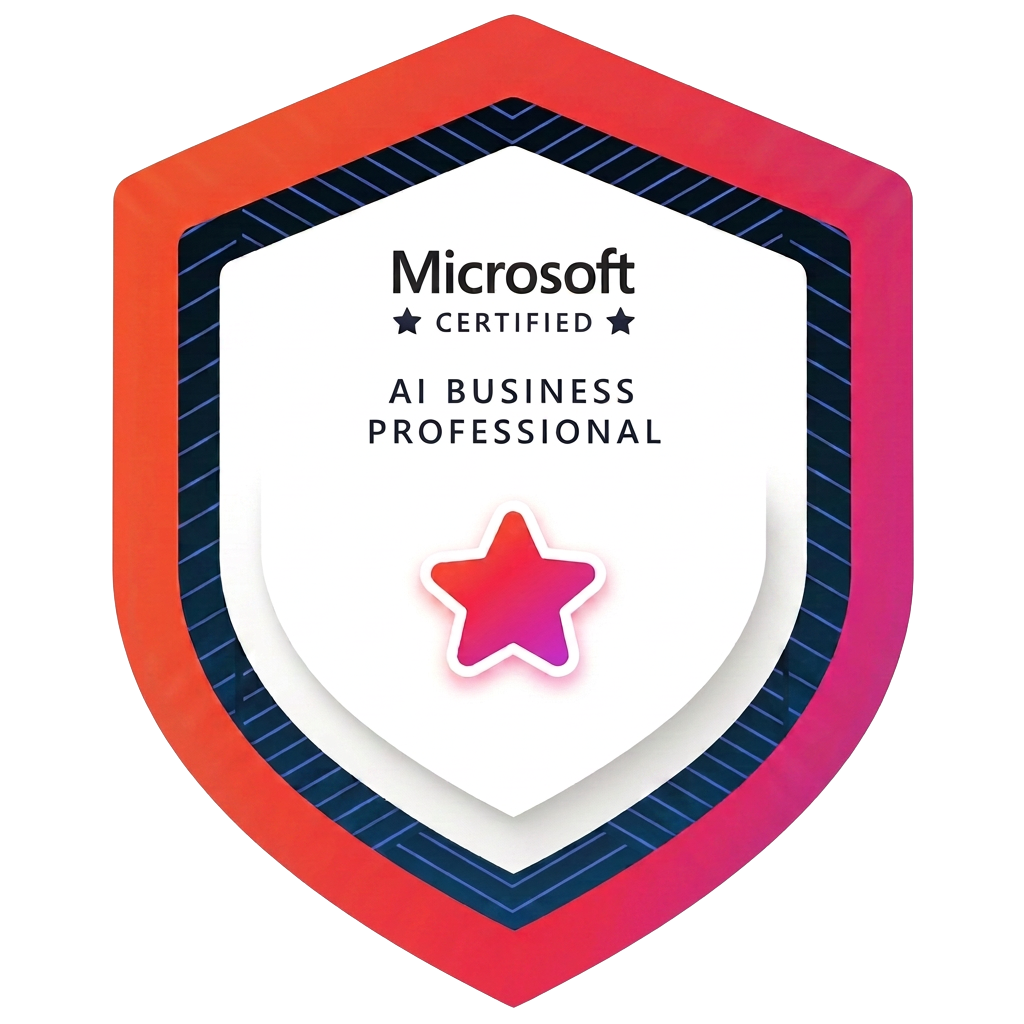
The Microsoft Certified: AI Business Professional credential is designed for people who want to use generative AI to improve everyday business work-without needing to code or build AI applications.
The associated exam is AB-730. It tests whether you understand generative AI fundamentals and can use AI effectively to manage prompts, conversations and business content. Microsoft publishes an AB-730 study guide and an official training course that set out the skills measured.
In practice, it is strongly grounded in the Microsoft working environment: Copilot, agents and familiar Microsoft 365 apps including:
- Microsoft Teams
- Outlook
- Word
- Excel
- PowerPoint
This is not an abstract exam about AI theory. Its focus is much more practical: can you use AI to do your job faster, work more intelligently and produce better business outcomes?
How I prepared for the AB-730 exam
I've used AI extensively for the past three to four years, from the early days of ChatGPT through to Microsoft Copilot, Claude and AI website-building tools such as Lovable.
I also use Microsoft apps regularly, so much of the language and many of the underlying ideas were already familiar.
That experience definitely helped. Once you understand how to give an AI tool clear context, a specific task, relevant source material and an intended output, those prompting skills transfer surprisingly well between platforms.
But familiarity with ChatGPT or Claude is not enough on its own. The exam uses Microsoft Copilot terminology and tests how Microsoft expects its tools to be used across its own apps.
I completed the official learning material and took the Microsoft practice assessment before sitting the real exam. I passed the practice assessment, which gave me confidence, but more importantly it helped me get used to the style and wording of the questions.
My strongest advice is simple: do the practice assessments first.
What the online Microsoft exam was actually like
I took the exam from home using Pearson’s OnVUE online testing system.
The exam itself took me around 45 minutes. Before that, I needed roughly 30 minutes to complete the technical setup, identity checks and room checks.
It's a genuinely controlled exam environment. A proctor monitors you, and there are clear rules about your equipment, your room and what you can do while the exam is running. Pearson recommends running the system test beforehand and using a private, distraction-free space.
A few honest observations:
- The timer adds pressure, even when you know the subject.
- Some questions appear to have more than one plausible answer. You must choose the best answer in the Microsoft context.
- Read every word carefully. Small differences in the wording matter.
- Don't talk the question through out loud-even if, like me, it helps you think!
- If you're using a smaller MacBook or laptop screen, the text may feel very small. I found myself leaning close to the screen to read it and fed that back after the exam.
I had previously taken Meta certification exams through Pearson VUE, so the format was familiar. Even so, exams are stressful. Knowing the interface doesn't entirely remove the pressure of being watched while a clock counts down.
Was the Microsoft AI certification difficult?
I would describe it as accessible if you're already very familiar with AI tools and tricks, but it's not easy.
If you already use ChatGPT, Claude or Copilot confidently, you'll have a useful head start. You may already understand prompting, iteration, summarisation, content generation and data analysis.
However, the AB-730 exam is not simply testing whether you can an AI chatbot. You need to understand how Copilot supports business work across Microsoft 365 and recognise Microsoft’s specific terminology and recommended ways of working.
The multiple-choice format can also be deceptive. Sometimes two options sound technically possible, but only one is the most appropriate answer.
That's why the practice questions matter: They test not just what you know, but whether you can apply it in the way the exam expects.
What I learnt from the training
The most valuable part was not one dramatic AI trick. It was discovering the small, repeatable ways Copilot can remove time from everyday work.
For example, Copilot in Teams can help you:
- Catch up if you join a meeting late
- Summarise a meeting or transcript
- Identify decisions and action points
- Turn a long discussion into a useful follow-up
Years ago, I spent hours creating progress reports and writing up meeting updates. The time needed for those tasks can now be dramatically reduced.
Across the rest of Microsoft 365, Copilot can help you analyse information in Excel, work with documents in Word, manage email in Outlook and turn source material into a presentation in PowerPoint.
The real advantage is not using AI for an isolated prompt. It's being able to move work across the tools your business already uses.
For organisations, that can also support greater consistency. When the right templates, source files and brand assets are available, teams can create presentations and documents that are better aligned with the organisation’s messages and visual identity. Human review is still essential, but the first draft can arrive much faster.
The privacy point businesses should understand
One of the most important parts of the training is understanding Microsoft 365's Enterprise Data Protection (EDP).
According to Microsoft’s documentation on data, privacy and security, prompts, responses and data accessed through Microsoft Graph are not used to train the foundation language models behind Microsoft 365 Copilot.
Copilot also works within the permissions already set in Microsoft 365: It should only surface organisational information the individual user is authorised to access.
That is a significant consideration for corporate teams and small-business owners who want the benefits of AI without casually putting confidential business information into consumer tools.
There's an important caveat: Copilot features, access to organisational content and available protections can vary by Microsoft 365 licence and configuration. Businesses should check exactly which version they have and ensure their existing permissions and data governance are in good order.
Who would benefit from this certification?
I'd recommend it if you:
- Want to build practical AI skills for everyday work
- Use Microsoft 365 and want to get more value from it
- Want to understand Microsoft Copilot properly
- Need a credible way to demonstrate your AI knowledge
- Train, lead or support other people adopting AI
- Want to improve productivity without learning to code
It's particularly relevant for business owners, executives, marketers, operations teams, administrators and other professionals who spend a significant part of the week in meetings, documents, spreadsheets, presentations and email (isn't that all of us?!) It's the same group of business owners and experts I work with through Forthfield’s AI training sessions.
Is the Microsoft AI for Business Professional Certification worth it?
For me, definitely.
The credential has strengthened my knowledge of Copilot, filled in some smaller gaps and given me a more structured understanding of how Microsoft sees AI fitting into everyday business work.
It's also reinforced something I already believed: The biggest opportunity in AI is not asking it to produce more content for the sake of it. It's using it to remove repetitive work, improve decisions and give capable people more time for the work that actually needs them.
The certification will now help me do more of what I love: Giving business people practical, jargon-free AI training and showing them how to make AI earn its keep.
If you are preparing for AB-730, my final tips are:
- Complete the official Microsoft learning path and exam preparation.
- Take the practice assessment.
- Run the Pearson VUE system test before exam day.
- Allow extra time for identity and room checks.
- Learn Microsoft’s Copilot terminology-not just general prompting.
- Read every question twice and choose the best answer.
And whatever you do, think quietly.
Frequently asked questions about the AB-730 exam
Is the Microsoft AI for Business Professional exam proctored?
Yes. Microsoft states that the AB-730 exam is proctored. I took it online through Pearson OnVUE and was monitored throughout. The proctor even reminded me that I could not read or repeat questions aloud.
How long does the AB-730 exam take?
Microsoft publishes an exam time of 45 minutes. My exam took roughly that long. I also allowed approximately 30 minutes beforehand for the technical setup, identity verification and room checks.
Do you need coding experience for the Microsoft AI Business Professional Certification?
No. Microsoft positions the certification for business users who want to apply generative AI and Microsoft 365 Copilot without building AI applications or writing code.
Does experience with ChatGPT or Claude help with AB-730?
Yes, in my experience. Skills such as writing clear prompts, adding context, specifying a task and refining an answer are transferable. However, you still need to learn Microsoft Copilot terminology and understand how AI is used across Microsoft 365 apps.
What should I study for the AB-730 exam?
Start with Microsoft’s official Transform business workflows with generative AI learning path, the AB-730 study guide and the practice assessment. Focus on generative AI fundamentals, prompts and conversations, and using AI to draft and analyse business content.
Is Microsoft 365 Copilot data used to train foundation models?
Microsoft states that prompts, responses and data accessed through Microsoft Graph are not used to train the foundation language models behind Microsoft 365 Copilot. Features and access to organisational data can vary by licence and configuration, so organisations should check their specific setup and permissions.
Who is Rachel Clark?
Rachel Clark is the founder of Forthfield AI and a Microsoft Certified: AI Business Professional. She provides practical, jargon-free AI and Microsoft Copilot training for business owners, executives and professional teams.